Manage Destination
You can manage your destination on the destination page. If you have one destination set up in Finta, you’ll automatically see this page whenever you log in. If you have multiple destinations, you can find its page by clicking on its name in the navigation bar. From here you can update its settings, manage the destination’s extensions, or initiate a sync.
Destination Settings
Update Name
To update the name, click on the destination’s name at the top of the page.
Sync Start Date
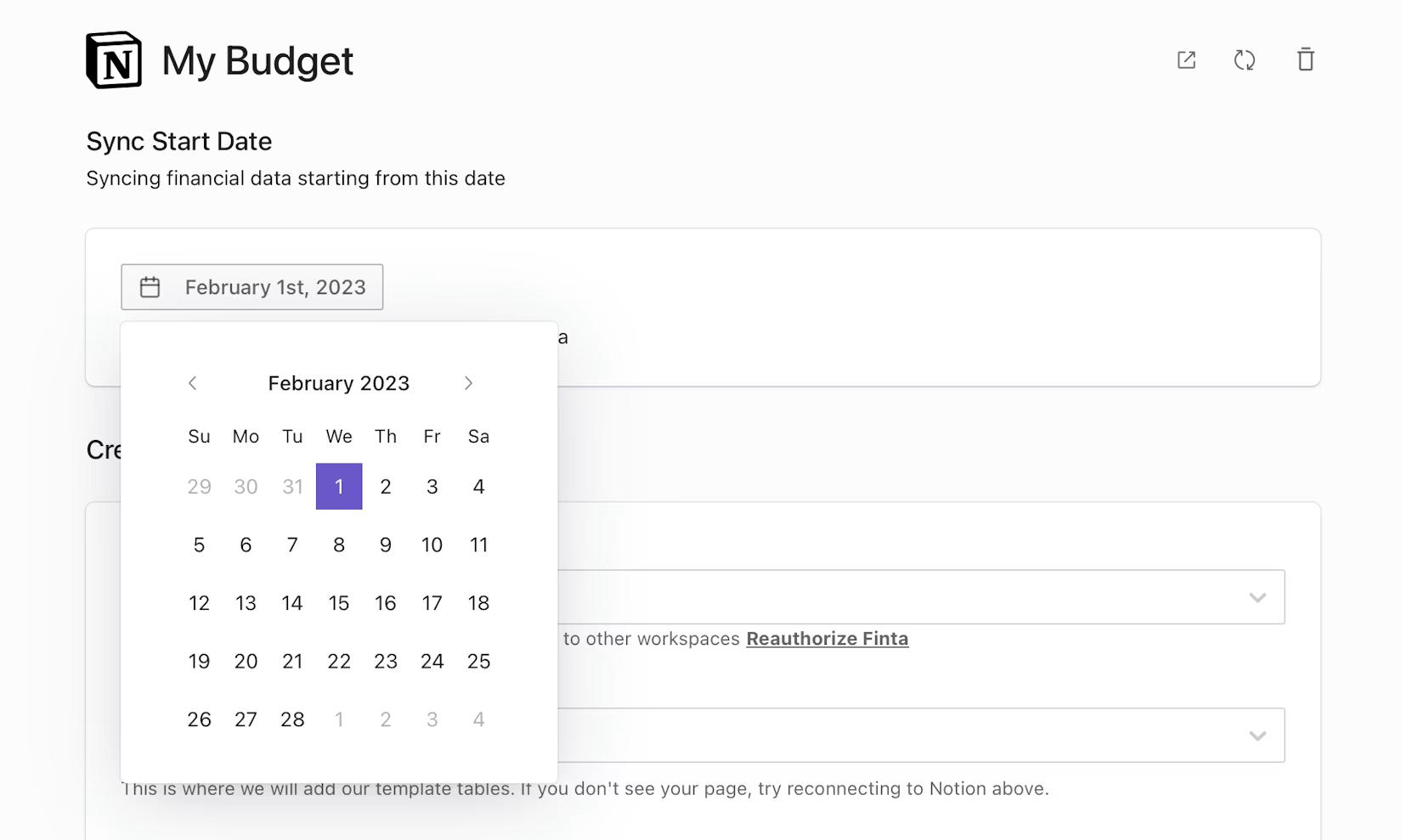
The destination’s sync start date is the earliest date that Finta will use to fetch transactions and investment transactions. You can change this date on the destination’s page. Note that for most banks, Finta will only have access to at most two year’s worth of data starting from when the bank connection was first added to Finta.
Connected Accounts
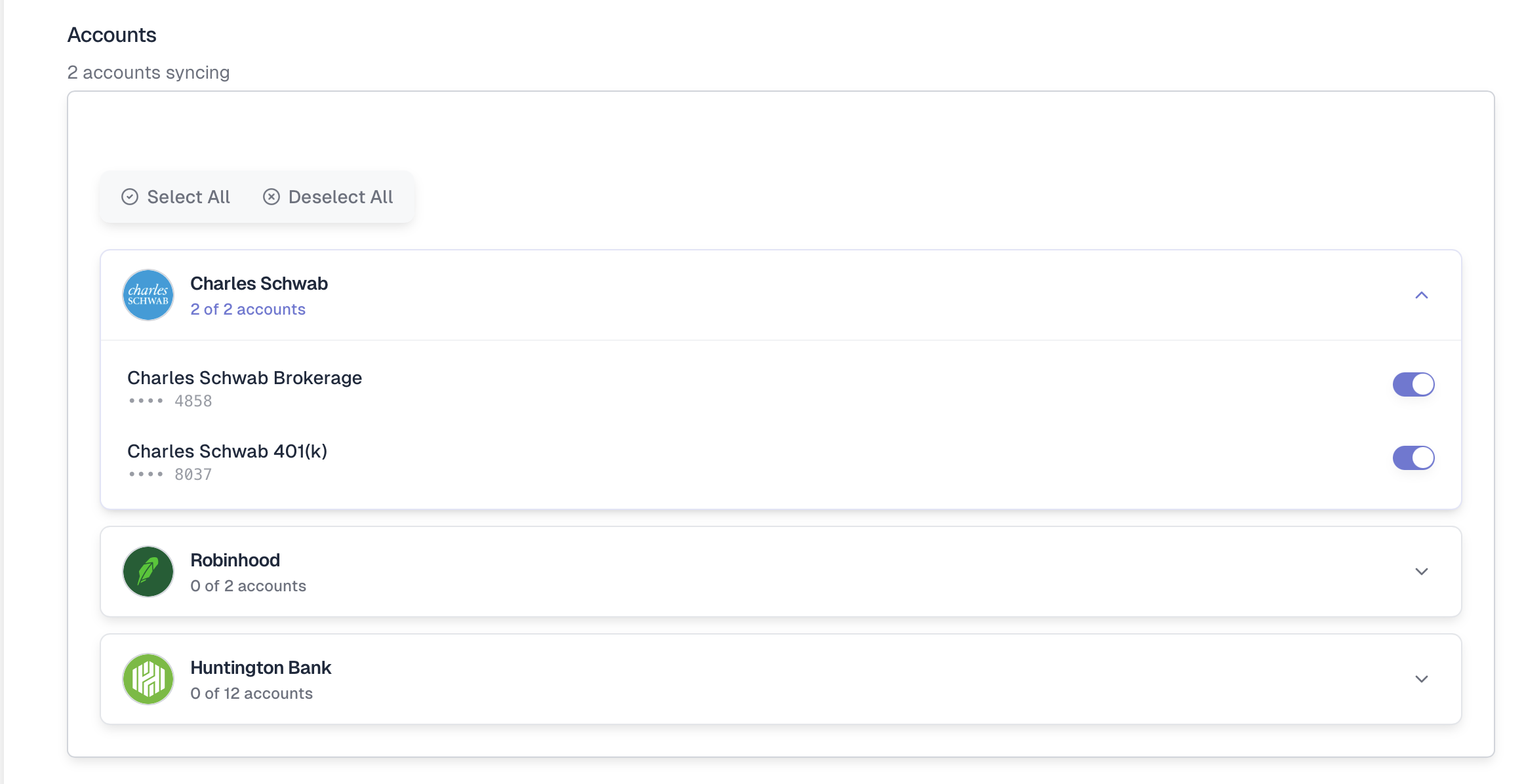
In the “Accounts” section, you can toggle which bank accounts sync to your destination.
Refresh Destination
Your financial data should sync automatically. However, if you want to re-sync your data to your destination, you can click on the refresh button in the upper right corner.

Disable Destination
If you no longer want to sync to a destination, you can disable it on its page. After disabling, Finta will no longer send any new data.
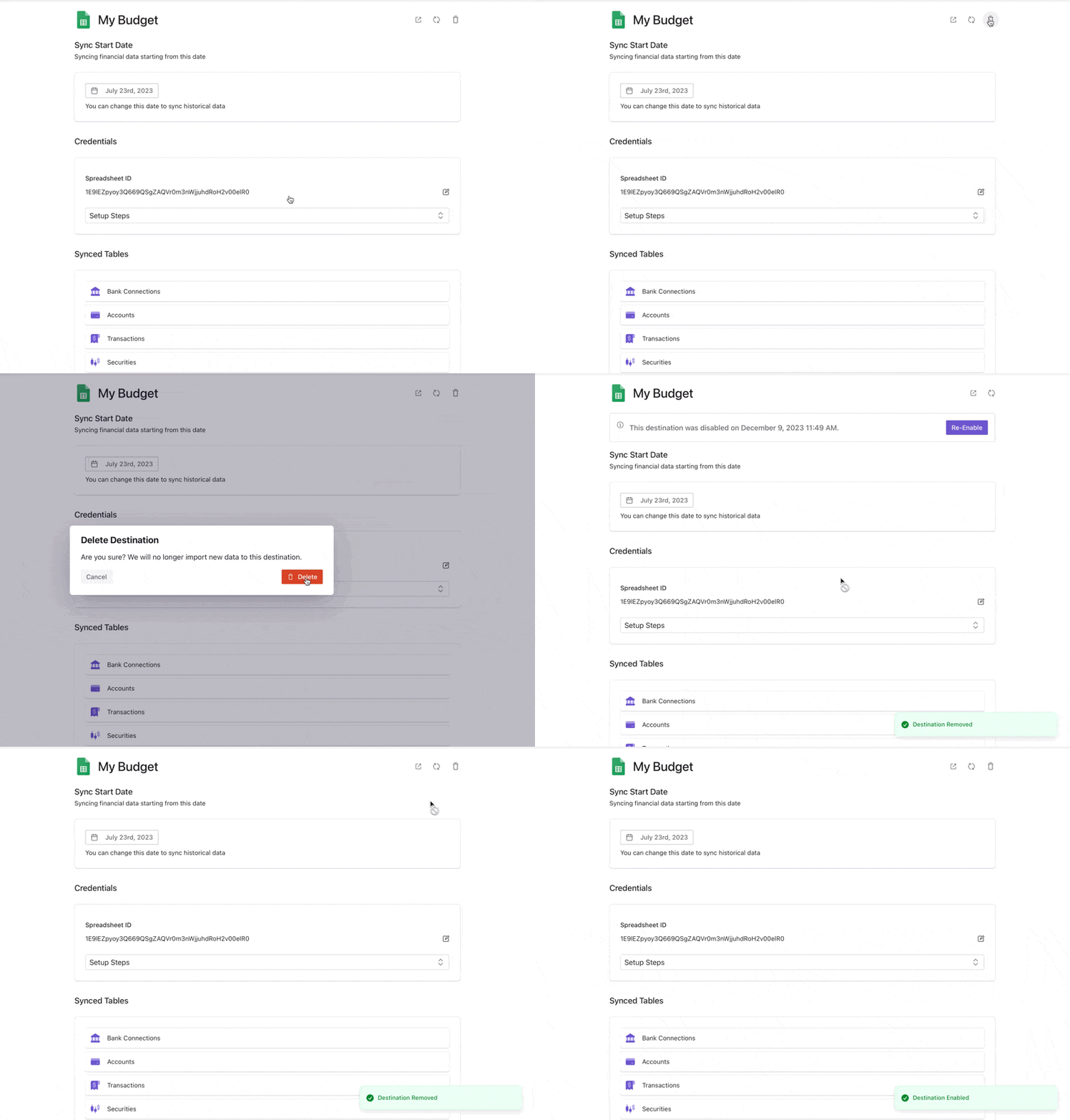
Change your mind? Click “Re-Enable”.